
Power Path software solution

How to create pictures in high resolution of your power line project?

Power Path supports the rendering of 3D models and the creation of pictures with high resolutions.Creating a picture of your project is possible with the command RENDER. Through these examples, we want to show you how you can create a picture without using any additional application for screen-shots (usually screen-shot applications can create just the […]

How to create pictures in high resolution of your power line project? Read More »

What Is BCF and How Power Path Uses It for Power Line BIM Collaboration

Power Path supports BCF (BIM Collaboration Format), letting power line design teams share issue reports, comments, and screenshots directly between different BIM software platforms – without exchanging the entire IFC model. Here’s what BCF is and how to use it in Power Path.” The BIM Collaboration Format (BCF) is a format for issue tracking of

What Is BCF and How Power Path Uses It for Power Line BIM Collaboration Read More »

Reseller – InfoEra

InfoEra – Official Power Path Reseller in Lithuania – a country famous for its landscapes, flatlands, abundant forests, lakes and marches. As Power Path’s official reseller in Lithuania, InfoEra provides local sales, onboarding, and support for power line design teams using Power Path – combined with their broader expertise as an Autodesk Authorized Training Center.

Reseller – InfoEra Read More »

What are BIM models? Is it possible to apply BIM on power line projects? Is BIM important in infrastructure/utility projects?

BIM is the acronym for Building Information Modeling and there are a lot different definitions what is BIM. One of the oldest and first definitions is from prof. Mr. Charles Eastman a pioneer in BIM who said “Building Information Modeling is one of the most promising developments in the architecture, engineering, and construction (AEC) industries.

What are BIM models? Is it possible to apply BIM on power line projects? Is BIM important in infrastructure/utility projects? Read More »

Dark interface

How to adjust interface and units in Power Path?

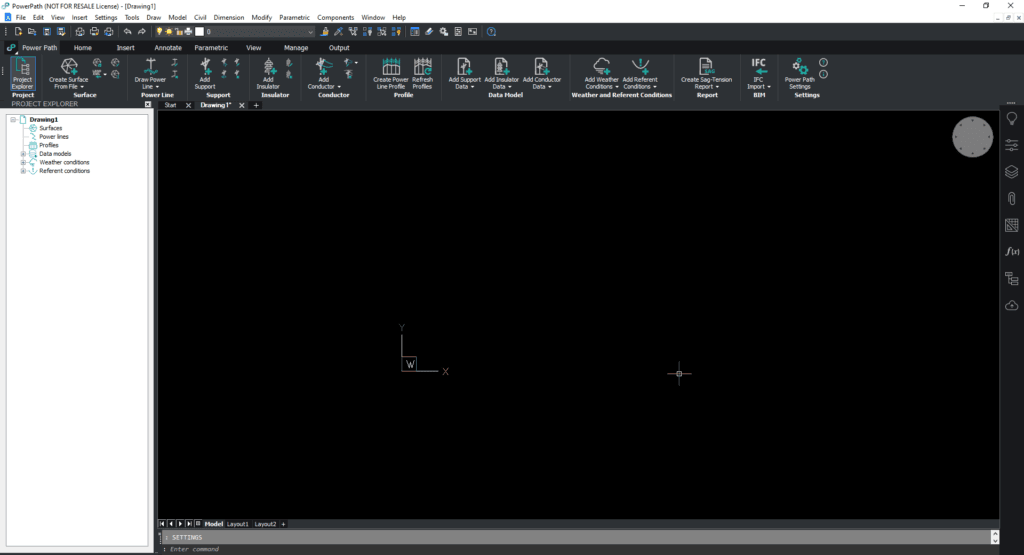
Power Path users have the possibility to customize software interface and change default units. How to customize software interface? When you open Power Path you will see:1. Menu bar2. Toolbars with shortcuts for saving drawing, opening a new one, etc.3. Ribbon with tools for power line design4. Project explorer side panel5. Workspace – paper6. Side

How to adjust interface and units in Power Path? Read More »

L-Software

Reseller – L-Software

L-Software Meet L-Software, our reseller from Rio Meão, Portugal – a country famous for its typical seafood dishes, popular beach destinations, and 16th to 19th-century architecture, soccer legends, fado music, historical cities, and port wine. L-software sells Power Path in Portugal and Spain. L-software services: Information FlowL-Software has the purpose to improve information flow, using

Reseller – L-Software Read More »

Webinar – Power Path, a new solution for power line design

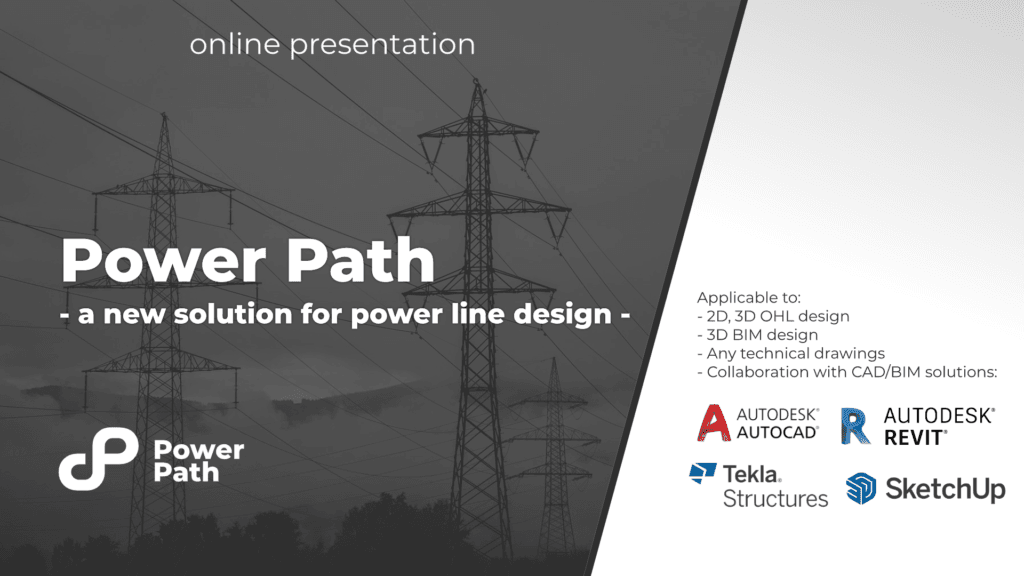
The POWER PATH company organizes free webinars several times a year for all those who are interested in 2D/3D/BIM software solutions for designing electrical transmission and distribution lines. If you missed one of our most visited webinars – Power Path – a new solution for power line design, you can watch it at the following

Webinar – Power Path, a new solution for power line design Read More »

0
    0
    Your Cart
    Your cart is emptyReturn to Shop

    Subscribe to
    Power Path Blog!

    Fill out the form below and click on SUBMIT if you want to read the latest news about Power Path and the construction and energy industry.