
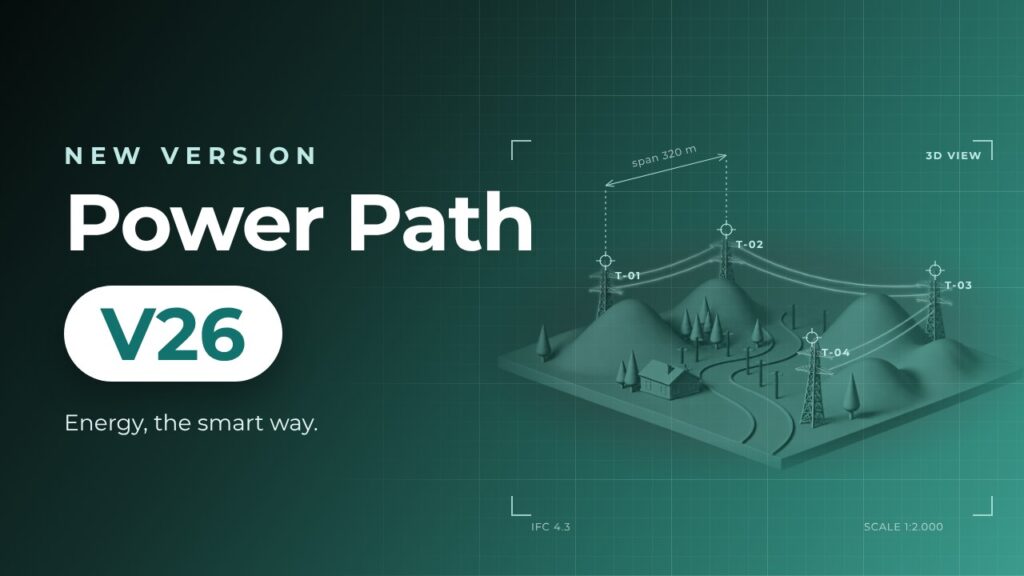
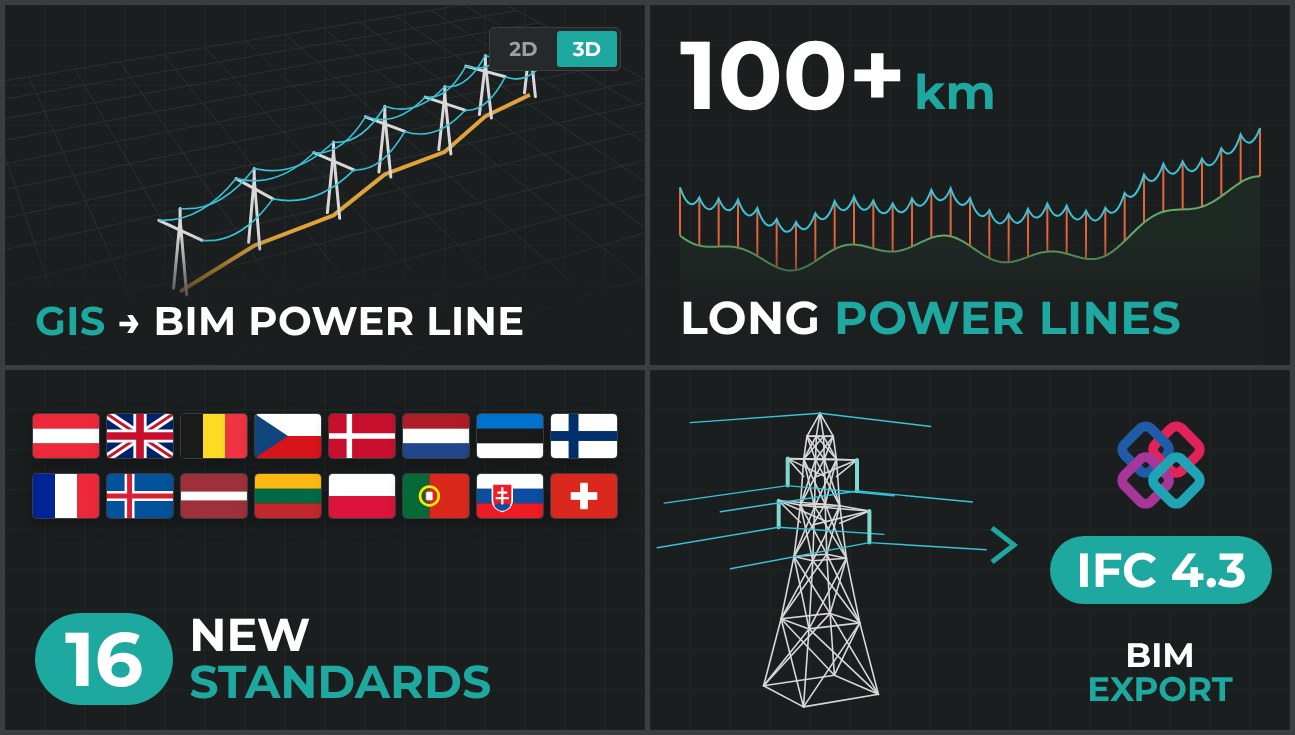
The latest version of the Power Path solution is Power Path V26, build 26.1.08. It brings power lines directly from GIS data to the BIM model, improved performance for power lines tens of kilometers long, 16 new technical standards, BIM models exported to IFC 4.3, and many other updates and upgrades.
The POWER PATH team is constantly developing and improving the Power Path® solution. Behind the scenes, our development and support teams work daily to create, improve and research new functionalities, providing customers with new and innovative approaches to power line design.
Power Path offers numerous benefits for power line design and project development, including:
- 2D design and advanced 3D BIM modeling
- Generation of calculation reports
- Import/export of IFC (BIM) models
- Import/export of GIS (SHP, KMZ/KML, Geodatabase, GML) data
- Integration of online maps and WMS data
- Seamless project sharing with all data for the next phases (construction, operation, maintenance and management)
🆕 New commands and functionalities for power line design
Convert to Power Line – the new command creates a power line alignment with supports from a line, polyline or 3D polyline. The route can be drawn in the drawing or imported from GIS data: ESRI Shapefile, KML/KMZ, ESRI Geodatabase or GML.

Project Explorer – you can now refresh a single profile view, in addition to refreshing all profile views.
⬆️ Upgraded and extended commands for power line design
Performance and optimization for large projects – V26 handles considerably longer power lines and much more complex input data. You can design power lines several tens of kilometers long, with faster creation and editing, smaller .dwg and .ifc files and lower load on your hardware.

Settings – 16 new technical standards: Austrian, Belgian, British, Czech, Danish, Dutch, Estonian, Finnish, French, Icelandic, Latvian, Lithuanian, Polish, Portuguese, Slovak and Swiss.

Add / Edit Weather Conditions – the dialogs adapt to the parameters required by the selected standard.
Sag-Tension, Quantity and Support Reports – reports can now be exported in Danish, Dutch, Finnish and Icelandic, and .xlsx and .txt reports are created even without Microsoft Excel installed.
Profile consistency warning – a graphical warning shows which profile views are no longer consistent with the power line.
3D Model Labels and New Layer System – conductor stress labels in the 3D model and an upgraded system of predefined layers.
Notification and Warning System – clearer notifications, for example the number of exported elements after a BIM export.
BIM Properties, BIM Classify and IFC Export – new object classifications and export of power line BIM models to IFC 4.3, in line with buildingSMART International requirements for alignment-based infrastructure.

🔧 Fixed commands
Refresh Profile Views – newly added tension supports are now also loaded when profile views are refreshed.
⬆️ Upgraded other commands
GIS Import and GIS Export – support for the GML format, and import of complex polygon (MPolygon) objects.
TIN Surface – elevation-based contour, slope and elevation analyses, with a legend in the drawing.
Point Cloud Management – improved elevation color map, point count in settings and 3 rendering modes.
Geographic Location – easier navigation and new coordinate systems (MAGNA-SIRGAS and Bulgarian).
User experience – a cleaner and clearer working environment.

📖 Learn more
Watch the short video presentation of Power Path V26, available in more than 10 languages:

For the full overview of all new features, visit the Power Path Support Portal:
🚀 Try Power Path V26
Power Path V26 installs and runs separately from previous versions, so you can keep using your current version while you start working in V26.
If you’re ready to start creating power line projects using the BIM approach, simply import your data and use Power Path for all your 2D drafting and 3D modeling needs. We invite you to test the latest version and send us a trial request.